Log In to Your PrinterMon Account
Sign in to printermon.com to manage your organization, view nodes, change billing, and invite team members. Your printermon.com login is separate from your node's web UI: the node is a local app, printermon.com is the cloud control plane. The same email and password also let you link nodes (see Connect Your Node).
Step 1. Open the login page
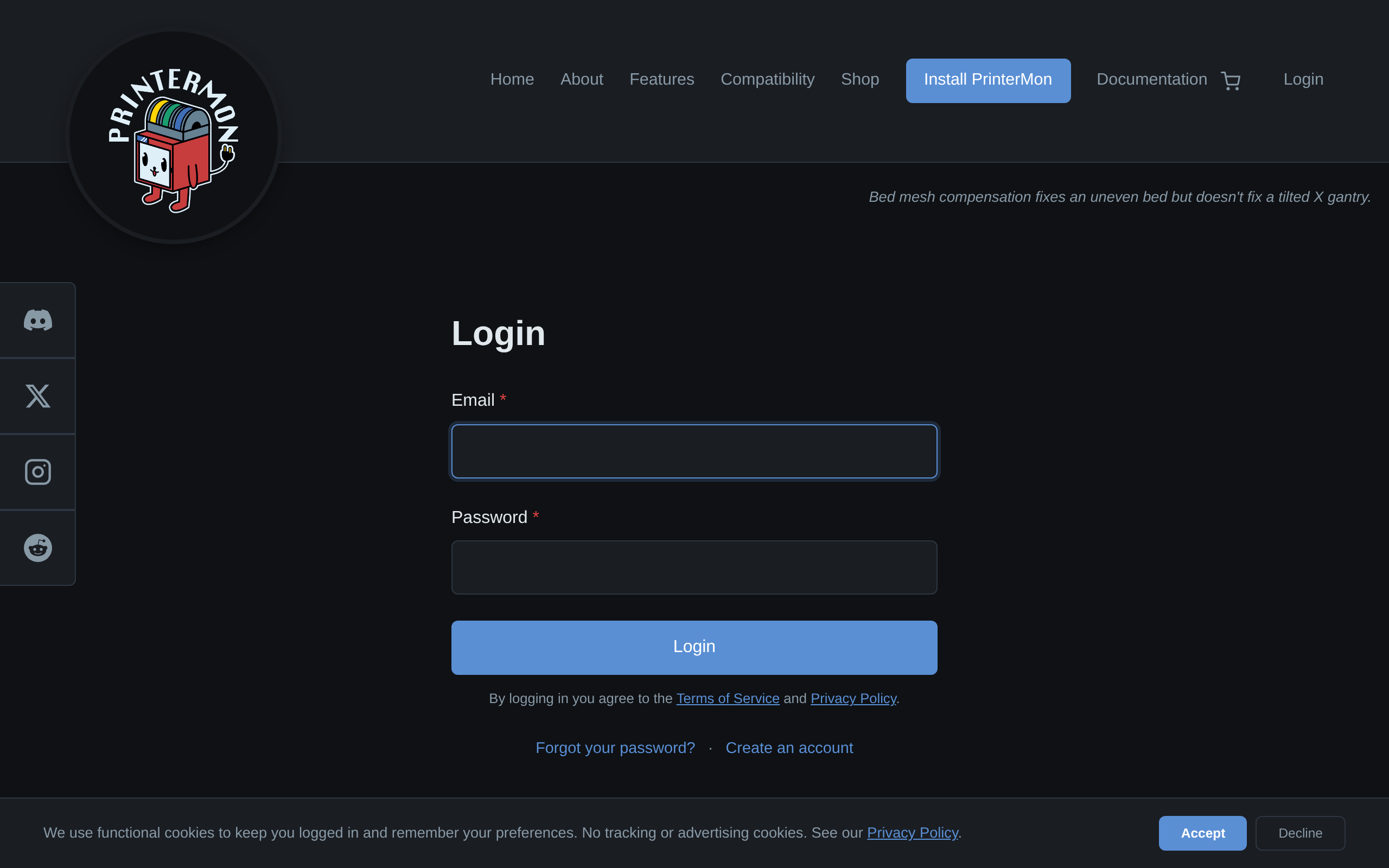
Login Form
Go to https://printermon.com/login Two fields: Email and Password. Click Log In.
On success, you land on the My Account page (https://printermon.com/account) with tabs for Overview, Organization, Orders, and Settings.
Forgot your password?
Password Reset
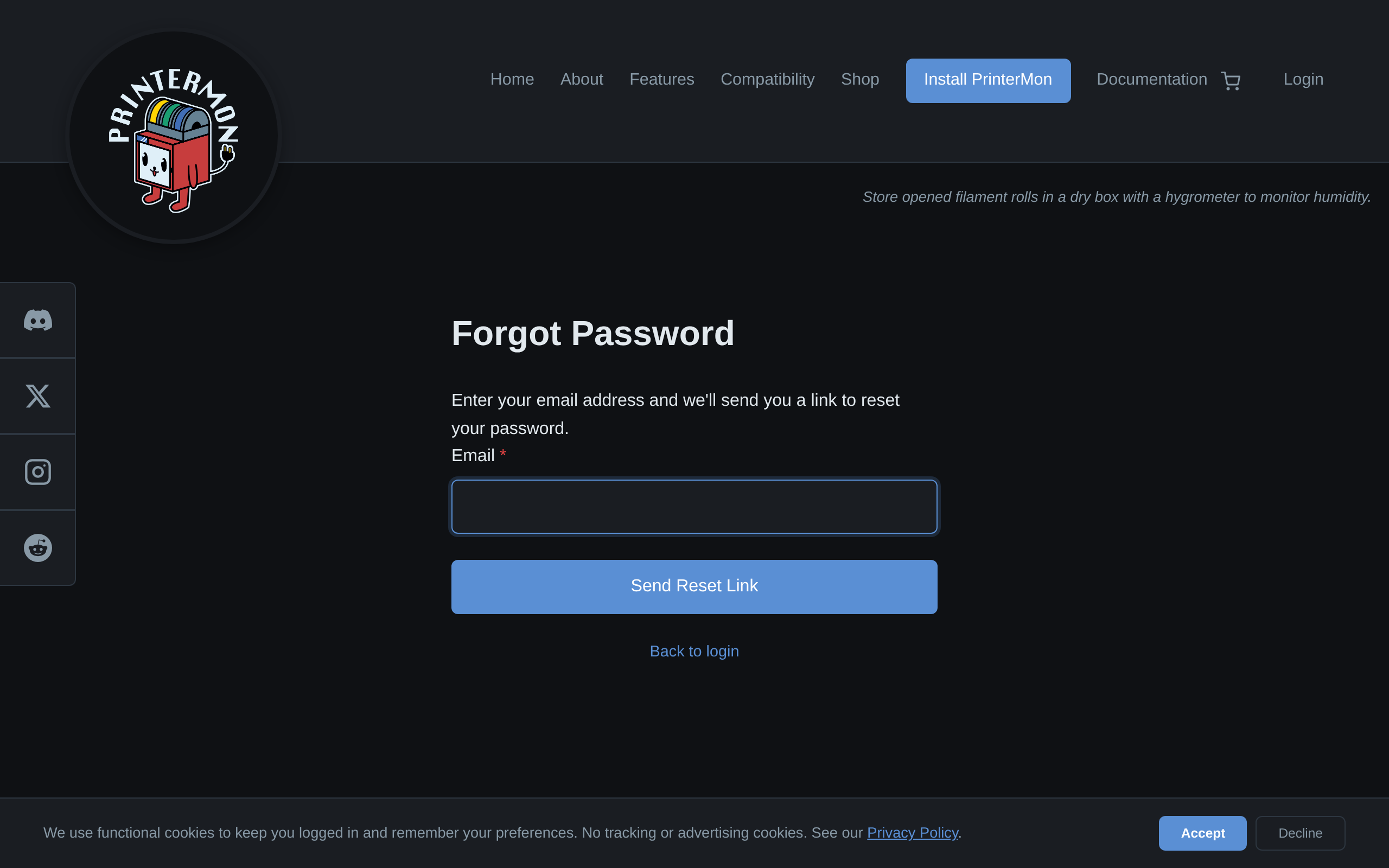
Click Forgot your password? below the login form. Enter the email tied to your account and submit. PrinterMon emails a one-time reset link.
The reset link expires shortly after it's sent. Open it from the same browser if you can. The reset page asks for a new password (min 8 characters) twice. After saving, you're signed in immediately.
If you can't sign in
- Invalid email or password. Check for typos. Email is case-insensitive. Password is case-sensitive. PrinterMon rate-limits failed logins, so multiple wrong attempts will lock you out briefly.
- Account not found. Confirm the email at signup. If you signed up with a different address, use that one.
- "Please check your email to verify your address." Your email isn't verified yet. Look for the verification email from signup, click the link, then try logging in again. Request a new verification email if needed.
- Locked out from too many attempts. Wait the displayed number of seconds and try again, or use Forgot Password to set a fresh password — that resets the lockout.
Browser sessions and security
- The login cookie is HttpOnly, set on the printermon.com domain. It does not give access to your node's web UI — that's a separate cookie on the node's LAN address.
- Use the My Account page to sign out explicitly when you're done on a shared computer.
- If you suspect the password was leaked, change it immediately via Forgot Password.